Adobe Commerce
Front-end Developer Professional
This page provides information on how to attain this certification. It includes a description of the exam, study materials, step-by-step instructions on the certification process, and how to renew your certification.

This exam is being retired and will no longer be available for scheduling or rescheduling after October 25, 2026. View alternative exams.
Key info
EXAM ID:
AD0-E726
LEVEL:
Professional (0-12 months’ experience)
COST:
$125 (global) / $95 (India)
LANGUAGE(S):
English
DELIVERY:
Online proctored (requires camera access)
PASSING SCORE:
33/50
TIME LIMIT:
1 hour 40 mins
LAST UPDATED:
Exam details
- Front-end Developers
- Full Stack Developers
You should have 6-12 months of hands-on experience with Adobe Commerce Front-end development and the ability to work with technical solutions to deliver individual components.
Additionally, you should exhibit knowledge of the following technologies:
- Strong understanding of Adobe Commerce version 2.4.7
- Basic understanding of the front-end structure and layout
- Experience and understanding of HTML, CSS (and preprocessors), LESS, JavaScript and UI Components, jQuery, Underscore, Require.JS, Knockout, also PHP templates, DB knowledge and content management
- Familiarity with the platform, CMS Blocks, Widgets, CMS pages, Category pages, Product pages, Cart and Checkout, and Account Dashboard area
- Basic understanding or knowledge of admin configurations
- Knowledge of extending and overwriting styles, layouts, and JS files
- Extending parent themes/Theme hierarchy
- CLI command (cache cleaning, setup:upgrade, indexers, deployment mode) & Grunt
- Caching technologies, client-side browser, understanding storages (Cookies, local storage)
- Understanding responsive design and media queries
- WYSIWYG/Page Builder
- Understanding code packages
- Implement translation
- Understanding how to work with email templates
- Basic understanding of XML
- Basic understanding of out-of-the-box SEO, optimization and performance techniques
- Basic understanding of canonical links, as well as merging JavaScript and CSS
- Basic understanding of Adobe Commerce cloud infrastructure
Section 1: Theme management (16%)
- Describe Adobe Commerce theme folder structure
- Demonstrate ability to create new or extend existing themes
- Demonstrate ability to add custom translation phrases
Section 2: Layout XML & templates (23%)
- Describe the basic layout XML instructions
- Describe existing page layouts
- Describe the steps for extending and overriding Layout XML
- Demonstrate ability to create and customize phtml templates
- Describe template security (escaping output)
Section 3: Styles (19%)
- Identify the purpose of different LESS files (compiled and partial)
- Describe how to override or extend LESS files
Section 4: JavaScript (20%)
- Demonstrate the usage of RequireJS
- Describe the usage of mixins
- Describe how to add a translation in JS
- Describe the usage of Knockout JS
- Describe the usage of jQuery widgets
Section 5: Admin configuration (12.40%)
- Apply or schedule a theme to a specific scope (website, store, store-view)
- Apply design changes to categories, products and CMS pages using admin configuration
- Describe steps to customize transactional emails
Section 6: CLI (9.60%)
- Describe the usage of basic bin/Magento commands
- Describe additional tools that Commerce cloud provides
Take a course
Certification exams are demanding. We recommend giving yourself ample time to prepare beforehand and encourage you to take advantage of the support we offer.
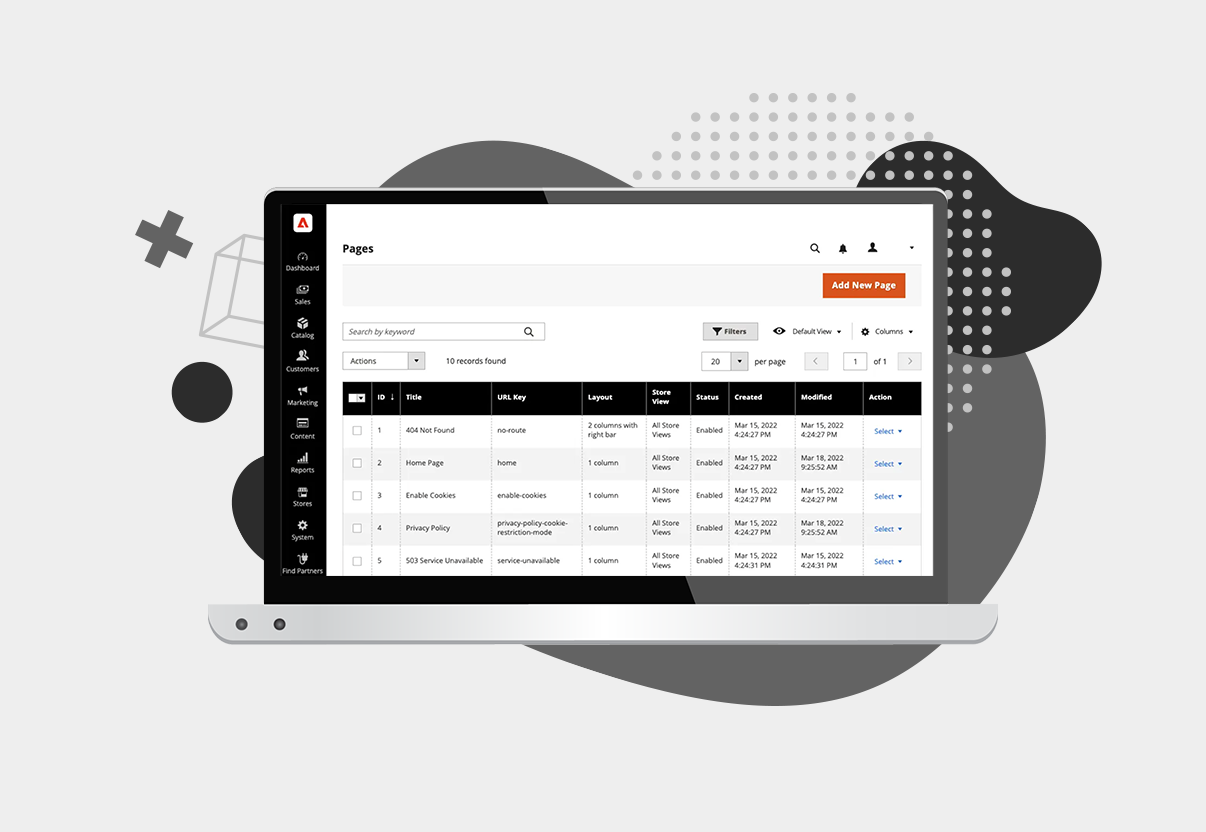
COM-ALL100 Adobe Commerce Foundations
This course provides foundational training covering essential product basics, program functionality, critical use cases, and real-world testimonials.

Study for your exam
You are not required to complete training before taking your certification exam, and training alone will not provide you with the knowledge and skills required to pass the exam. A combination of training and successful, on-the-job experience is critical to providing you with the repository of knowledge needed to pass the exam. We strongly recommend making use of the resources on this page to help you prepare.
We recommend taking the free practice test before you start. You’ll have unrestricted access to all available practice tests for Adobe’s professional-level exams.
Our practice tests are all developed from the same blueprint as the live exams. The practice test will help you understand the topics covered in the live exam.
Please remember that passing a practice test does not guarantee you will pass the certification exam.
View Practice TestIf you are prompted to log in to the Exam Prep Guide, use your Adobe ID.
View Exam Prep GuideManage your exam
Visit the exam page to schedule, reschedule, or cancel your exam, or request accommodations. If you do not already have a voucher, you will be prompted to pay during the scheduling process.
Manage exam
Read this important information before scheduling
Adobe has contracted Excelsoft’s easyProctor platform to deliver certification exams in an online proctored environment. Due to proctoring protocols, it is important to read the testing instructions (below, under "Take your exam") before your exam appointment.
Payment
You will be prompted for payment at the time of scheduling. If you have an active voucher, it will be automatically applied. If you do not have an active voucher, you will be prompted to purchase one at the time of scheduling. If you are eligible for a discount and are logged in with the correct email (for example, your Adobe employee, Adobe partner, or student email), the discount will be automatically applied.
Resources
Detailed information on pricing, payment, and discounts.
Voucher FAQ
How to take your exam
- Using the Chrome or Edge browser, go to your Upcoming exams scheduled widget.
- Click on Scheduling.
- Run the system test on the exam page to ensure you will be able to take the exam.
- Click on the Take exam button and follow the instructions on the easyProctor dashboard.
Before exam day
- Prepare your computer for your exam appointment:
- Using the Chrome or Edge browser, go to your Upcoming exams scheduled widget.
- Click on Scheduling.
- Download the Process Tracker.
- Run the system test on the exam page to ensure you will be able to take the exam.
- View the instructional video to understand what your exam experience will be like.
- Make sure your government ID is accessible for your exam appointment. Soft copies or digital IDs are not allowed. You may use an ID with non-Western characters.
- Run the system test on the exam page to ensure you will be able to take the exam.
- Double-check your time zone in your profile.
Day of exam
- Be early! Your proctor will start your session precisely at your appointment start time.
- Take your exam in a quiet workspace where you are alone.
- Clear your desk of all papers, notebooks, and electronics, including phones, smartwatches, headphones, and earbuds.
- Remove any external monitors.
- Turn off your pop-up blocker before starting the exam.
- Plug in your computer.
- Note: If you become disconnected during your exam, or encounter any other technical issues, please contact Support using the chat function in the easyProctor dashboard, or by email: adobe.support@excelsoftcorp.com
Resources
- View the Self Help Page for detailed information about proctored exams.
After your exam
If you fail to pass an Adobe certification exam on your first attempt, you must wait at least 24 hours before retaking the exam. Failure to pass an exam on the second or any subsequent attempt requires a waiting period of 15 calendar days before retaking the exam. Each attempt will incur a separate exam fee.
To view your badges:
- Go to My Account.
- Click on the Achievements tab.
- Your badges appear in your Trophy case as well as in the Active certifications section.
- Go to My Account.
- Click on the Achievements
- Click on your badge. This will open the Credential page.
- Click on the logo for the social media account you would like to share to.
- Go to My Account.
- Click on the Achievements tab.
- Click on the Share button. This will open the Credential page.
- Click on the logo for the social media account you would like to share to.
Renew certification
For those whose certifications expire between October 14, 2024, and September 30, 2025, your certification is being extended until October 1, 2025.
Details regarding the updated renewal process will be shared in early March, ensuring that all certification holders will have adequate time to renew their certifications.
If you have any questions or concerns about your certification, please use the Contact us page.