Adobe Commerce
Business Practitioner Professional
This page provides information on how to attain this certification. It includes a description of the exam, study materials, step-by-step instructions on the certification process, and how to renew your certification.

An updated version of this exam has been released.
Candidates who are already scheduled may proceed with their existing appointments as planned. Please note that rescheduling existing appointments was only available till May 19, 2026. For those who have not yet scheduled the exam, we recommend preparing for and taking the latest exam.
Key info
EXAM ID:
AD0-E712
LEVEL:
Professional (0-12 months’ experience)
COST:
$125 (global) / $95 (India)
LANGUAGE(S):
English
DELIVERY:
Online proctored (requires camera access)
PASSING SCORE:
30/50
TIME LIMIT:
1 hour 40 mins
LAST UPDATED:
Exam details
You should have a minimum of 0-12 months hands-on experience with Magento Open Source version 2.4.3 using the LUMA or BLANK theme and basic understanding of Adobe Commerce version 2.4.3.
Additionally, you should have a basic understanding of the eCommerce experience, as well as familiarity with the following concepts:
- Digital marketing (SEO, CMS, email marketing, sales techniques [cross-sell, upsell], analytics, reporting, and monitoring)
- Ecommerce terminology (sales/marketing strategies like omnichannel and multichannel)
- Pricing and promotion
- Customer purchase journey
- Order life cycle
- Magento Marketplace and third-party extensions
- Security and compliance (GDPR, ADA, PCI DSS v3.2.1, PSD2)
- Pricing and promotion
Section 1: Magento Open Source core features (49%)
- Identify the features of Magento Open Source
- Distinguish the correct scope and when to use each
- Demonstrate knowledge of Catalog Management
- Manipulate pricing by using Magento Open Source features
- Describe the standard customer journey
- Describe the standard order lifecycle
- Describe the day-to-day tasks involved in Store maintenance
- Explain the different types of content elements and when to use
Section 2: Adobe Commerce basics (14%)
- Identify the key features available in Adobe Commerce
- Identify service Add-ons in Adobe Commerce
- Identify hosting options for Adobe Commerce
Section 3: Digital marketing and eCommerce fundamentals (24%)
- Identify the basic uses of Digital Marketing tools (Google Analytics/Adobe Analytics, Google Tag Manager, Email marketing, Segmentation, Social plugins)
- Explain the basic principles of SEO
- Identify the basic uses of common eCommerce tools (such as shopping feeds)
- Identify the key features of an eCommerce website
- Identify the basic eCommerce concepts (including storefront options)
Section 4: Compliance/security basics (13%)
- Understand the basics of compliance for privacy laws and payment security
- Identify common security aspects of an Adobe Commerce project
- Identify best practices and legal requirements of accessibility compliance
Take a course
Certification exams are demanding. We recommend giving yourself ample time to prepare beforehand and encourage you to take advantage of the support we offer.
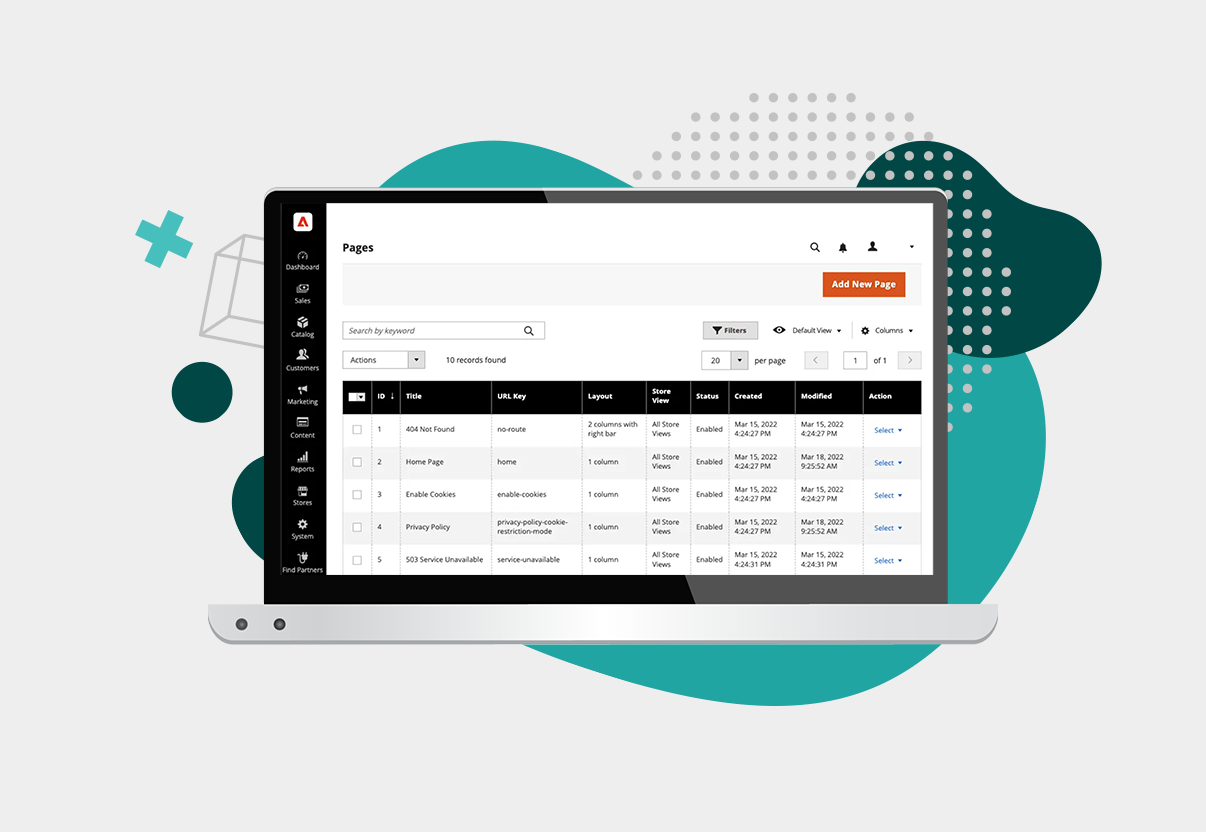
COM-BP200 Adobe Commerce Business Practitioner Professional
This course covers an introduction and overview of all critical components and best practices to provide you with the essential knowledge and skills required to navigate the program for the role of the Business Practitioner.

Study for your exam
You are not required to complete training before taking your certification exam, and training alone will not provide you with the knowledge and skills required to pass the exam. A combination of training and successful, on-the-job experience is critical to providing you with the repository of knowledge needed to pass the exam. We strongly recommend making use of the resources on this page to help you prepare.
Our free practice tests are developed from the same blueprint as the live exams. The practice test will help you understand the topics covered in the live exam. Please remember that passing a practice test does not guarantee you will pass the certification exam.
View Practice TestIf you are prompted to log in to the Exam Prep Guide, use your Adobe ID.
View Exam Prep GuideManage your exam
Visit the exam page to schedule, reschedule, or cancel your exam, or request accommodations. If you do not already have a voucher, you will be prompted to pay during the scheduling process.
Manage exam
Read this important information before scheduling
Adobe has contracted Excelsoft’s easyProctor platform to deliver certification exams in an online proctored environment. Due to proctoring protocols, it is important to read the testing instructions (below, under "Take your exam") before your exam appointment.
Payment
You will be prompted for payment at the time of scheduling. If you have an active voucher, it will be automatically applied. If you do not have an active voucher, you will be prompted to purchase one at the time of scheduling. If you are eligible for a discount and are logged in with the correct email (for example, your Adobe employee, Adobe partner, or student email), the discount will be automatically applied.
Resources
Detailed information on pricing, payment, and discounts.
Voucher FAQ
How to take your exam
- Using the Chrome or Edge browser, go to your Upcoming exams scheduled widget.
- Click on Scheduling.
- Run the system test on the exam page to ensure you will be able to take the exam.
- Click on the Take exam button and follow the instructions on the easyProctor dashboard.
Before exam day
- Prepare your computer for your exam appointment:
- Using the Chrome or Edge browser, go to your Upcoming exams scheduled widget.
- Click on Scheduling.
- Download the Process Tracker.
- Run the system test on the exam page to ensure you will be able to take the exam.
- View the instructional video to understand what your exam experience will be like.
- Make sure your government ID is accessible for your exam appointment. Soft copies or digital IDs are not allowed. You may use an ID with non-Western characters.
- Run the system test on the exam page to ensure you will be able to take the exam.
- Double-check your time zone in your profile.
Day of exam
- Be early! Your proctor will start your session precisely at your appointment start time.
- Take your exam in a quiet workspace where you are alone.
- Clear your desk of all papers, notebooks, and electronics, including phones, smartwatches, headphones, and earbuds.
- Remove any external monitors.
- Turn off your pop-up blocker before starting the exam.
- Plug in your computer.
- Note: If you become disconnected during your exam, or encounter any other technical issues, please contact Support using the chat function in the easyProctor dashboard, or by email: adobe.support@excelsoftcorp.com
Resources
- View the Self Help Page for detailed information about proctored exams.
After your exam
If you fail to pass an Adobe certification exam on your first attempt, you must wait at least 24 hours before retaking the exam. Failure to pass an exam on the second or any subsequent attempt requires a waiting period of 15 calendar days before retaking the exam. Each attempt will incur a separate exam fee.
To view your badges:
- Go to My Account.
- Click on the Achievements tab.
- Your badges appear in your Trophy case as well as in the Active certifications section.
- Go to My Account.
- Click on the Achievements tab.
- Click on your badge. This will open the Credential page.
- Click on the logo for the social media account you would like to share to.
- Go to My Account.
- Click on the Achievements tab.
- Click on the Share button. This will open the Credential page.
- Click on the logo for the social media account you would like to share to.
Renew certification
Do you have any certifications that need to be renewed?
Check now
How do I renew?
All you need to do is pass two short renewal courses (about 15 minutes each), and your certification will be renewed automatically for two years. Click on the Renewals tab in My Account to begin your renewal.
When do I renew?
You will be notified 180 days before your certification expires that your renewal window has opened. You may complete your renewal any time within those 180 days.
When does my certification expire?
Click on the Certifications tab in My Account. Your expiration date and a countdown is in the Active certifications widget.
What happens if my certification expires?
To reactivate an expired certification, you must take the certification exam and pay the accompanying fee. Avoid the hassle and expense by renewing now for free!
I have more questions!
Please view our full FAQs.